I remember the first time I decided to take the plunge into the world of dual monitors. There I was, surrounded by a jungle of cables, instructions that seemed to be written in hieroglyphics, and a sheer determination that bordered on delusion. It was supposed to be a simple upgrade, a step towards the sophisticated world of multi-tasking prowess. But as I fumbled with the wires, untangling them like a cat with a ball of yarn, I couldn’t help but wonder if I’d willingly signed up for a quest that would end with me curled up in a ball, contemplating my life’s choices. Oh, the glamorous life of a suburban tech enthusiast.
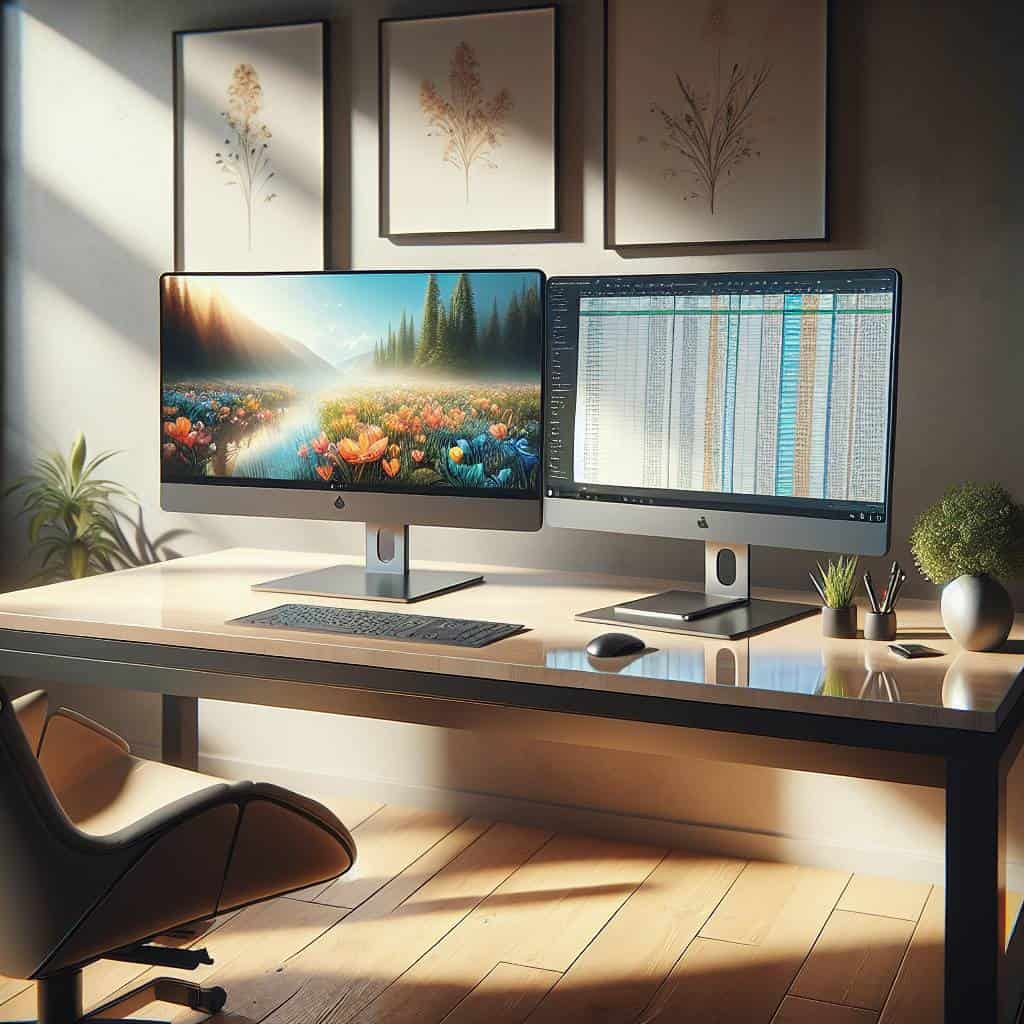
But fear not, dear reader, for this isn’t just a tale of woe and tangled cables. Together, we’re going to navigate this maze of display settings and cable management with the precision of a needle threading through the chaos. By the end of this article, you’ll not only have a sleek dual-monitor setup but also a newfound appreciation for the subtle art of workflow efficiency. So grab a cup of coffee, and let’s dive into the world where the ordinary task of setting up monitors becomes an extraordinary journey.
Table of Contents
The Great Cable Catastrophe: Untangling My Display Dilemma
Picture this: a serene Saturday afternoon, a cup of coffee steaming on the desk, and the aspiration to finally conquer the dual monitor setup that’s been haunting my dreams. Or nightmares. But, as it turns out, the road to display nirvana is paved with a labyrinth of cables that seem to have a life of their own. HDMI, DisplayPort, VGA—each cable a different beast, each demanding its own respect and territory. I found myself in a tangle, literally and figuratively, questioning the very essence of modern technology. As I wrestled with the spaghetti junction of wires, it became clear that these cables were more elusive than an unsolved mystery novel.
Now, let’s talk about the moment I plugged in the last cable, expecting a symphony of pixels to dance across my screens. Instead, I was greeted by the dreaded “No Signal” message. A blank stare from the monitor, mocking my efforts. It was as if the universe conspired to remind me that in the world of technology, nothing is as simple as it seems. The challenge was no longer just about connecting cables but delving into the arcane world of display settings. Resolution, refresh rates, input sources—features that sound like they belong in a sci-fi movie, but are, in fact, the gatekeepers to a dual-display utopia. And yet, amidst the chaos, the promise of a streamlined workflow kept me going. Because, once the cables were tamed, and the settings aligned, it wasn’t just a setup—it was a gateway to productivity. Or at least that’s what I tell myself as I untangle the next knot.
The Dual Monitor Odyssey: More Than Just Pixels
As I sit here, finally basking in the glow of two screens like some tech-savvy deity, I can’t help but reflect on the absurdity and triumph of the journey. The cables, once my nemesis, now lie obediently tamed beneath my desk. This tangled affair with technology isn’t just about pixels and productivity; it’s about embracing chaos, daring to wrestle with complexity, and finding a strange sort of peace in the mess of it all.
But here’s the kicker: the real win wasn’t in the seamless display of information across this digital canvas. It was in the realization that sometimes, the most mundane tasks—like untangling cables—are where life’s richest stories hide. In the end, it wasn’t about efficiency or workflows. It was about learning to dance with the details, no matter how tangled they might seem. And maybe, just maybe, that’s where the real magic lies.